
3D Tour Scanner
Shoot, upload, share
Walk through the property once and take photos from several angles — or record a short clip. Zestio computes a walkable 3D tour that enquirers can open in the browser and pass on by link.
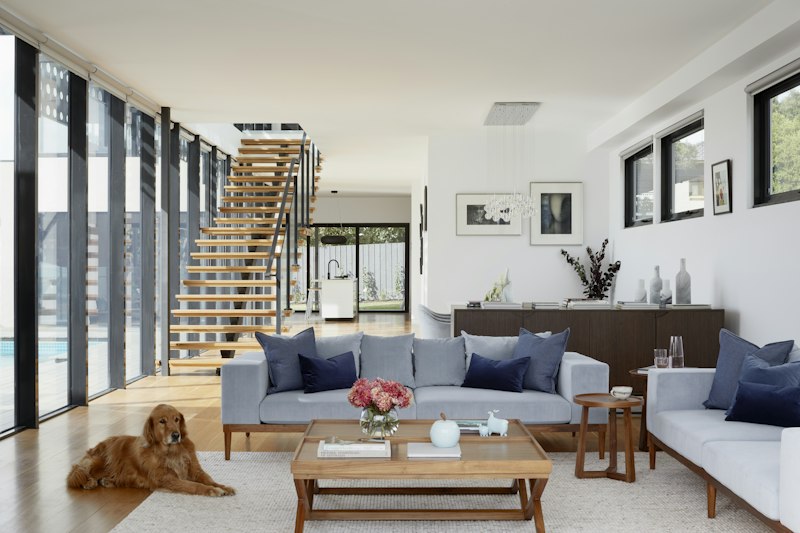
What the tour delivers
Phone camera only
No LiDAR, no special hardware, no extra subscription — photos or a short clip are enough.
Walkable 3D space
The tour runs in the browser: look around, move, zoom — no app, no plug-in.
Link to pass on
Any scan can be made public and sent as a link — for enquirers and portals.
Upload finished scans
If you already have a tour as a .splat or .ply file, upload it directly (5 credits instead of 8).
Computed with cleanup
During computation, distracting background points are removed and a starting view is set.
Compute time, not an appointment
Computation runs server-side and takes a few minutes up to about a quarter of an hour, depending on the number of images.
Four steps to a tour
The effort sits in the capture. Following the notes below makes the structure markedly more stable.
Capture notes from real failed scans
These notes come from analysing scans that failed: one walk-through yielded only 57 usable frames instead of the required number — the result stayed unusable despite post-processing.
Photos
- checkAim for 150–300 sharp photos per room — one room per scan, not one scan per property.
- checkMove instead of standing still: step, stop, shoot. Around 70 % overlap between two shots.
- checkUse three heights — chest, slightly up, slightly down — and include ceiling and floor.
- checkLights on, flash and HDR off, no people in frame.
Video
- checkNever zoom: use the 1× main lens and record in landscape. A zoomed clip gave only 37° field of view instead of around 65°.
- checkTurn instead of walking straight through: two steps, stand still, turn slowly once around your axis, then continue.
- checkSlow and steady (about 0.2–0.3 m/s); fast pans create motion blur and those frames get discarded.
- checkTarget 200–400 usable frames.
Mirrors and windows should not dominate the frame. Quality beats quantity: 200 well-spread shots beat 1000 from the same spot.
Limits and formats
- Files
- JPG, PNG, WebP or MP4 — up to 200 files per scan
- Photos
- at least 20, at most 200
- Video
- up to 3 minutes, up to 1080p, up to 50 MB
- Credits
- 8 per scan, 5 for uploading a finished .splat/.ply file
- Compute time
- a few minutes up to about 15 minutes, depending on the number of images
What customers use tours for
Screen first, drive less
Enquirers see room sequence and layout before booking an appointment.
Be there without travelling
Anyone not on site can orient themselves in the tour — fewer questions about layout and proportions.
Portals without embedding
The link works anywhere a link is allowed — no embedding required.
Answer questions before the viewing
A tour answers recurring questions about layout, light and connections.
Capture once, reuse for years
The tour stays with the property and can be shared again any time.
A photo record to work from
Room captures from the tour help when coordinating with contractors.
A scan costs 8 credits. Already computed tours from other tools can be uploaded as .splat or .ply files for 5 credits.